- All in One
- GoPOS - Point of sale
- Mobile waiter 2.0
- GoKDS
- GoKiosk
- E-Menu
- Numbering system
- Payment processing
- GoPOS integrations
- See available equipment


Have a question about using GoPOS?
Contact us to arrange a meeting and select solutions for your premises. We especially recommend contact via chat.

Check how GoPOS works in practice!

- Full service
- Fast service
- Pizzeria
- Hotel Restaurant
- Coffee Houses
- Food Truck
- Club/Bar
- Networks
- Entertainment Complexes
- Retail


Have a question about using GoPOS?
Contact us to arrange a meeting and select solutions for your premises. We especially recommend contact via chat.


GoInventory - App for stocktaking
Carry out inventory faster and more efficiently with a mobile app that is part of the GoPOS ecosystem. Create sheets, scan or weigh products, and save results while counting. Reduce manual work and gain better control over your stock.
Have you got a question? Contact sales
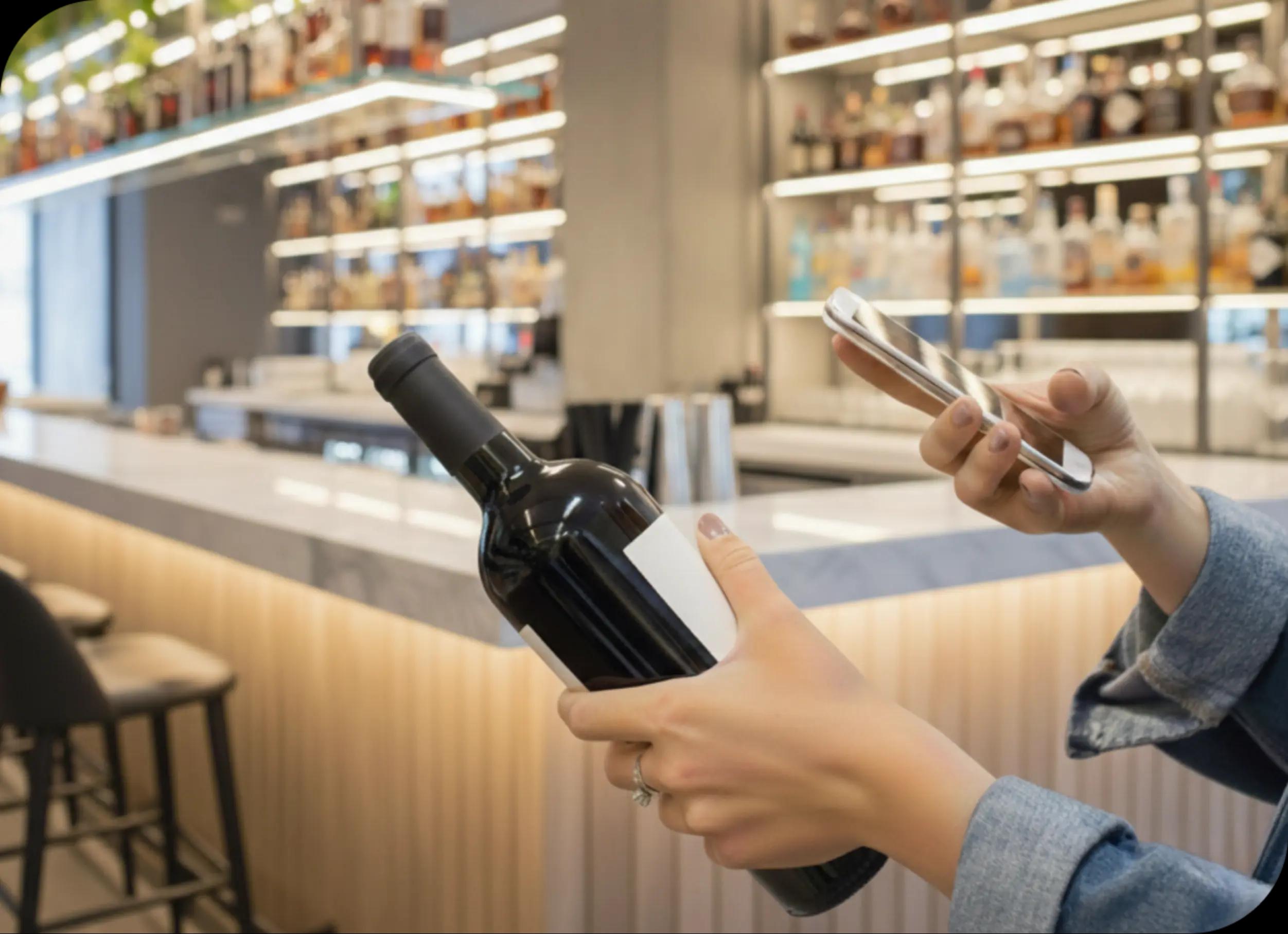


Keep inventory always at your fingertips
Don't waste time going back to a fixed workstation or working with paper reports! Carry out the entire inventory process from start to finish directly in the mobile app - exactly where you count the products.
- Start or continue counting in the app - create new inventories and mobile or weighing sheets, and return to work you have already started.
- Switch between warehouses and work on the appropriate sheets without interrupting the counting process.
- Keep data up to date - search for and edit products, add barcodes and assign packaging.

Control your stock at a glance
Reduce counting time and limit manual data entry. Adapt the way you work to each product - scan codes, quickly add more units or use a scale.
- Count products faster using your phone camera, an external reader or a scanner built into the device.
- Reduce manual quantity entry thanks to automatic product addition to the sheet after scanning.
- No need to rewrite results from the scale - connect the app to a Doctor Fit scale, retrieve the measurement and convert it to net weight.

Adapt the app to your team
Make inventory work easier for your team and ensure greater comfort in different working conditions.
- Work on the device you already have at hand - the app works on devices with Android and iOS.
- Adapt the language to your team - choose Polish, English or Ukrainian.
- Improve working comfort with a light or dark theme suited to the conditions in your venue.

Manage your warehouse comprehensively
Reduce manual data transfer and work with up-to-date information. GoInventory streamlines the flow of data between inventory counting and further stock management.
- Save time - inventory data is transferred in the background without the need to enter it manually.
- Control the flow of data - check the synchronization status and make sure that changes have been transferred correctly.
- Automatically synchronize data about products, inventories and sheets between applications.
Save time during inventory!
Fill in the form below and a GoPOS specialist will help you choose the best solution for your business.
What our clients say about us?
Join the group of satisfied customers!



Manual counting of all products was very tedious and there were often mistakes during the inventory. Carrying out it on a mobile phone with the help of scales and barcodes significantly reduced the time, and most importantly eliminated errors.

Choose your pricing package
Check out the available pricing plans and choose the best one for your business.
GoPOS products
Expand the system according to your needs
Combine the POS system with other applications you find with us and create a comprehensive platform for your business.

GoPOS
Communication and service
A fast, reliable and intuitive sales system, designed for any business.
Show more
Mobile waiter
Communication and service
A tool that improves the work of waiters in the premises. It allows you to shorten the service time for guests by up to 30%
Show more
GoKDS
Communication and service
Kitchen Display System allows you to display orders directly on the computer or tablet screen in the kitchen.
Show more
GoStock
Management
A warehouse system that allows you to conveniently manage inventory in any place and time.
Show more
GoOrder
Delivery
An application for handling online orders and a commission-free store with online orders for gastronomy.
Show more
GoHub
Delivery
Integration with the biggest giants in the delivery world, enabling to take orders on the POS.
Show more
GoDelivery
Delivery
GoDelivery tools to speed up the handling and fulfilment of takeaway orders.
Show more
GoCRM
Loyalty solutions
A loyalty system that allows you to prepare individual loyalty cards or vouchers.
Show more
E-menu
Communication and service
A tool for contactless order taking and reducing waiter service.
Show more
System number
Communication and service
An application that assigns individual numbers to orders and displays them on a TV screen in the premises.
Show more
GoKiosk
Communication and service
An app that enables a contactless ordering or shopping process at self-service outlets.
Show more
GastroSupplier
Management
An innovative tool that will show the best prices from various wholesalers and assign them to the final order.
Show more
GoPOS Now
Management
A system that allows you to manage your premises from any device and anywhere in the world.
Show more
Staff solutions
Management
A tool for full control, supervision and faster settlements of the work team.
Show more

Application for drivers
Delivery
A tool for controlling the work of suppliers and billing them quickly by hours and kilometres.
Show more
Integrations
Integrations
Integrations with external systems, extending the software with further useful functionalities.
Show moreSee how GoPOS transforms restaurants!
Get inspired by our resources and discover strategies that can help you streamline your team's work and delight your guests.


Webinar: Inventory management in a restaurant
Watch webinar
Calculate costs, control expenses and increase profits
Download calculator
Discover the success stories of restaurants using GoPOS
Explore nowWebinar: Inventory management in a restaurant
Watch webinarFrequently asked questions
Tips and answers from the GoPOS Team.